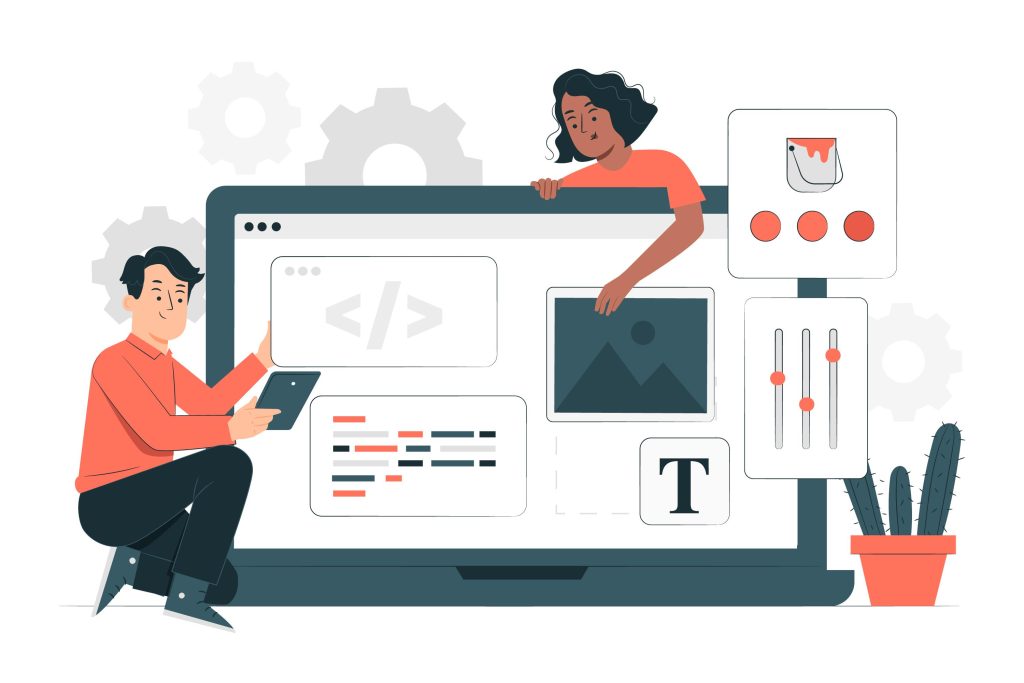
In an increasingly digital business environment, an online presence is no longer just institutional — it has become a key sales, communication, and operational channel. For a website, blog, or online store to be truly efficient, up to date, and aligned with business goals, using a CMS – Content Management System is essential.
In this article, we explain what CMS platforms are, how they work, why they are so important for business efficiency, and how managers can leverage them to improve results, reduce costs, and gain agility.
What Is a CMS (Content Management System)?
A CMS is a system that allows you to create, edit, organise, and publish digital content (texts, images, videos, pages, products, news, etc.) easily, without requiring advanced programming knowledge.
In practice, a CMS works as the “control panel” of a company’s website or digital platform.
Examples of Popular CMS Platforms
- WordPress – Widely used for corporate websites, blogs, and some e-commerce projects
- Drupal – More robust and flexible, often used for complex projects
- Joomla – A middle ground between simplicity and flexibility
- Shopify / WooCommerce / Magento – Focused on e-commerce
- Custom CMS – Developed specifically for a company’s needs
How Does a CMS Work in Practice?
In simple terms, a CMS separates:
- Content (texts, images, products, articles)
- Design (layout, colours, typography)
- Functionality (forms, private areas, integrations)
This allows managers or team members to:
- Update content in minutes
- Publish blog articles
- Change service information
- Add new products or campaigns
All of this without constantly relying on a technical team.
Why Is a CMS So Important for Business Efficiency?
1. Reduced Technical Dependency
Without a CMS, even small changes to a website often require:
- Requests to a developer
- Additional costs
- Delays in updating information
With a well-implemented CMS:
- Internal teams gain autonomy
- Changes can be made in real time
- The website keeps pace with the business
Result: lower operational costs and greater agility.
2. Constant Website Updates (and a Better Company Image)
Outdated websites communicate:
- Lack of professionalism
- Poor organisation
- Inattention to customers
A CMS makes it easy to:
- Publish news and articles regularly
- Update services and portfolio
- Communicate clearly with clients and partners
Result: a more credible and modern brand image.
3. Improved SEO and Search Engine Visibility
Most modern CMS platforms are SEO friendly, enabling:
- Optimised URLs
- Management of titles and meta descriptions
- Proper content structure (H1, H2, H3)
- Regular publication of relevant content
For managers, this means:
- Greater visibility on Google
- More qualified traffic
- More business opportunities
Result: the website evolves from a “digital brochure” into a lead generation tool.
4. Greater Efficiency in Communication and Digital Marketing
With a CMS, companies can:
- Launch campaigns quickly
- Create specific landing pages
- Test messages and offers
- Integrate with email marketing and CRM tools
All without long projects or complex development cycles.
Result: faster, measurable, and more effective marketing.
5. Scalability and Sustainable Growth
A well-chosen CMS allows you to:
- Add new features over time
- Create new sections of the website
- Integrate with internal software (ERP, CRM, invoicing systems)
In other words, the website grows as the business grows, without the need to rebuild everything from scratch.
Result: a more sustainable technology investment.
Standard CMS vs Custom CMS: Which Is the Best Option?
Standard CMS (e.g. WordPress)
Advantages:
- Faster implementation
- Lower initial costs
- Large community and plugin ecosystem
Limitations:
- May not perfectly match specific business processes
- Can become heavy if poorly configured
Custom CMS
Advantages:
- Fully tailored to the business
- More secure and optimised
- Custom integrations
Limitations:
- Higher initial investment
- Requires a specialised team
The right choice depends on the company’s goals, size, and digital maturity.
Teclativa’s Role in Choosing and Implementing a CMS
At Teclativa, we help companies:
- Analyse real business needs
- Choose the most suitable CMS
- Develop efficient and scalable solutions
- Ensure security, performance, and ease of use
The goal is not just to build a website, but to deliver a digital working tool that creates real business value.
Conclusion
A CMS is no longer a technical detail — it is a strategic asset. For managers, investing in the right CMS means:
- Greater autonomy
- Higher operational efficiency
- Better communication
- Increased online visibility
- Higher return on digital investment
If your company still relies on third parties for every small website update, it may be time to rethink your digital platform.
A well-implemented CMS is synonymous with efficiency, growth, and competitiveness.